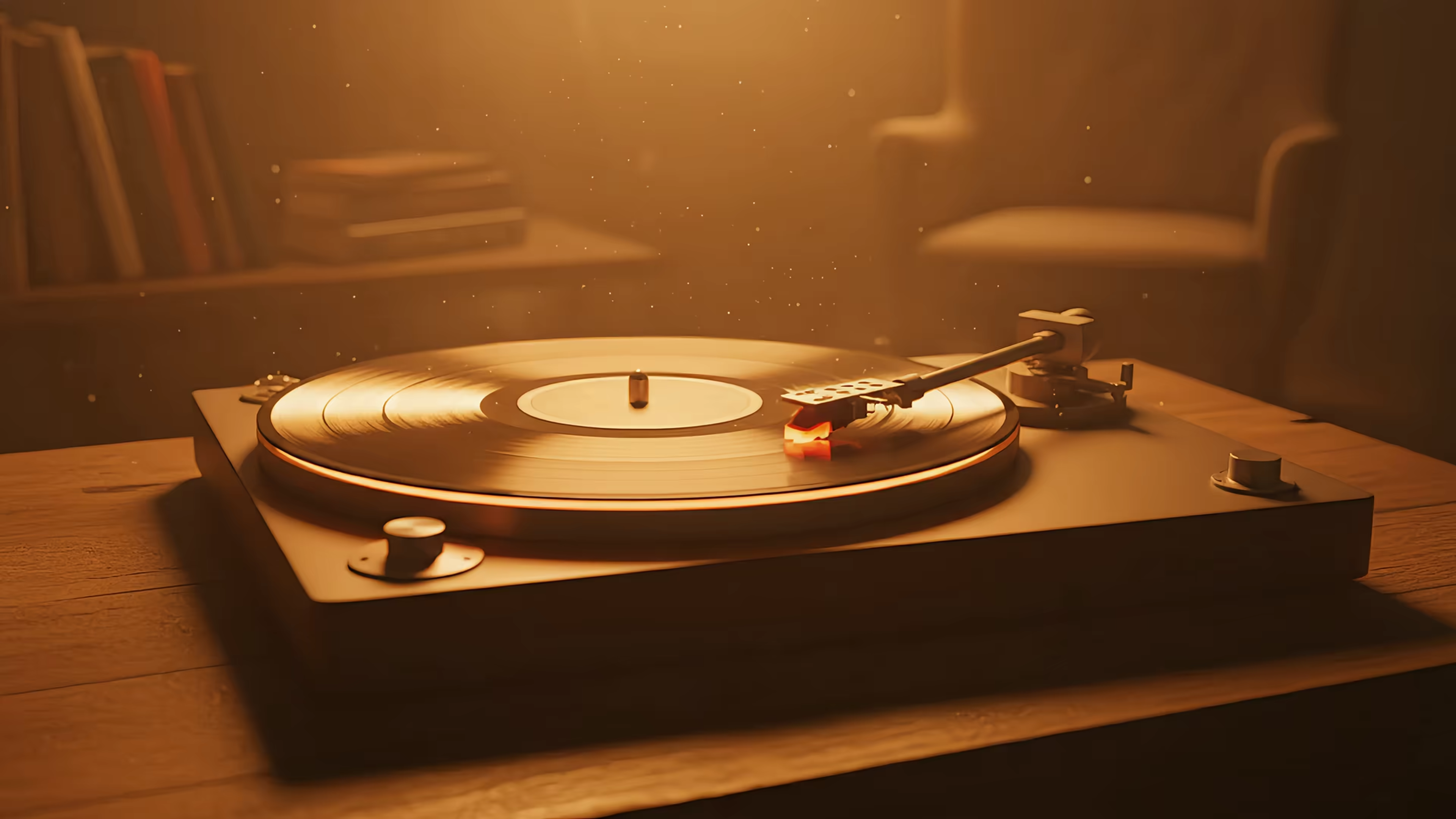
Moving Computer Wallpapers: A Guide to Live Mac Desktops
You're going to look at your Mac for hours anyway. Might as well make it pretty.
That's the whole case for moving computer wallpapers. Not productivity theater. Not "personal branding": just the small, reasonable desire to avoid staring at the same static photo of a mountain, beach, or abstract blob while you answer messages, rename files, and pretend your downloads folder is a temporary condition.
A good moving wallpaper doesn't fix your life. It does make the rectangle you live inside feel less like office drywall. That counts for more than people admit.
Your Desktop Is Boring You to Tears
By hour six, the static wallpaper stops being scenery and starts being wallpaper in the depressing, literal sense. It's just there. Your expensive Mac becomes a very elegant beige appliance with a spreadsheet problem.
That's why people keep searching for better desktop setups, moodier screens, warmer screens, screens that look like they belong to someone with taste and not a default settings agreement. If you've been fussing over your setup, this take on MacBook wallpaper aesthetics will feel familiar. It understands that the urge is not frivolous. It's survival with better color grading.
The appetite for this stuff is very real. The digital computer wallpaper market was valued at approximately USD 1.4 billion in 2023 and is projected to reach USD 3.8 billion by 2033, representing a 10.6% CAGR from 2025 to 2033, according to Data Horizzon Research on the computer wallpaper software market. That doesn't mean every person on earth suddenly became a desktop aesthete. It does mean this isn't some niche hobby for the sort of person who alphabetizes mechanical keyboards.
Why this matters more than it should
A moving wallpaper is a tiny act of resistance against digital monotony. Not a grand one. More like putting a lamp in a room with bad overhead lighting.
- Static gets invisible: Your brain tunes out a still image fast, especially when you spend long stretches on one machine.
- Motion feels alive: A slow snowfall, passing neon reflections, or a record player loop gives the desktop an ambient pulse.
- The machine earns its keep: If a Mac can handle video editing, it can probably do better than "rock.jpg."
A prettier screen is not a moral failing. It's interior decorating for the place where your eyeballs work overtime.
What Exactly Is a Moving Wallpaper
A moving wallpaper is a looping video or animated background that plays on your desktop instead of a single still image. The cleanest mental model is this: swap a framed photo for a digital art frame playing a quiet little film on repeat.
That's different from Apple's confusingly named dynamic still wallpapers, which mostly shift with time or appearance mode. Nice, but not the same thing. A real moving wallpaper has motion built into it. Rain falls. Clouds drift. City lights hum. A cat remains judgmental beneath a tree.
This idea is older than it looks
People didn't invent the desire for a living desktop last week. The concept of a digital background dates to 1975 with a Xerox PAC experiment, and the modern era began in 1998 with a theme featuring subtly moving clouds, as noted in this history of desktop backgrounds. The taste for motion has been around for ages. The hardware and software finally caught up.
That bit matters because it reframes moving wallpapers from gimmick to long-delayed good idea. The old versions were rough. Modern displays, GPUs, and video formats let the effect breathe instead of wheezing like an ancient GIF dragged out of a forum signature.
What separates good motion from junk motion
A proper live wallpaper should feel calm and invisible in the good way. If you edit video, motion treatment matters there too. Tools that enhance video motion for creators are useful for understanding why some loops feel buttery and others feel like a slideshow with delusions of grandeur.
Here's the short version:
- Smooth loop: You shouldn't see the ending clap into the beginning like two Lego bricks.
- High resolution: On a Retina display, low-quality files look like soup.
- Intentional motion: Gentle movement works. Constant chaos gets old fast.
If the first thing you notice is the loop point, the wallpaper has already failed.
The Good, The Bad, and The Looping
The appeal is obvious. Your desktop can become a snow-covered cabin, a dim study room, or a rain-soaked alley where some cyberpunk side character is definitely monologuing nearby. The less obvious part is that quality matters more here than it does with static wallpapers.
The good part
A good moving wallpaper changes the room without changing the room. That's useful if your actual environment consists of one desk, one chair, one mug, and a pile of cables pretending to be a system.
For certain moods, categories work especially well. The neon wallpaper collection is great if you want the desktop equivalent of midnight in a city that only exists in anime and suspiciously expensive concept art.
- Ambient mood: Motion adds atmosphere that a still frame can't. Fireplace embers glow. Rain falls.
- Less visual fatigue: Slow, gentle scenes often feel softer than harsh static graphics.
- Better use of modern displays: A high-resolution panel deserves better than stretched JPEG mush.
The bad part
The bad version is not charming. It's cursed. Stuttery motion, crunchy compression, obvious loop points, and colors that looked better in someone's browser tab in 2003. Such issues often lead many to decide moving wallpapers are dumb, when really they just saw bad files handled badly.
There's also the resource question. Animated desktops rely on a video rendering engine via APIs like Metal on macOS, and a 4K 60fps loop can consume about 10 to 20% of GPU resources on entry-level systems. That's the trade-off. The wallpaper is not free. It's video.
Practical rule: If the scene is meant to calm you down, it shouldn't jitter like it owes somebody money.
What to look for before you install anything
Not all loops deserve to loop. If you're preparing your own footage, tools like MyImageUpscaler's video processing can help you understand frame smoothing and interpolation issues before a scene lands on your desktop looking vaguely haunted.
A quick quality checklist helps:
| What matters | What works | What doesn't |
|---|---|---|
| Looping | Start and end blend invisibly | Hard jump at the loop point |
| Resolution | Crisp on Retina displays | Pixelated edges and smeared detail |
| Motion | Slow, readable movement | Hyperactive clutter everywhere |
| Audio | Optional ambient sound | Forced noise you mute immediately |
The difference between "this is delightful" and "absolutely not" is usually craftsmanship, not the concept itself.
Will This Actually Melt My MacBook
Reasonable question. Nobody wants a desktop wallpaper that turns the laptop into a polite little griddle.
The honest answer is that moving computer wallpapers do use resources. They render video streams such as MP4 and WebM on the GUI layer, which can reduce system performance by 5 to 15% on limited hardware, though modern dedicated GPUs handle these streams with negligible latency. That means the panic is understandable, but the result depends heavily on what machine you're using and how the wallpaper is implemented.
Where the fear comes from
A lot of people formed their opinion during the era of clunky overlays and bargain-bin animated backgrounds. Those often felt bolted on because they were. Modern Macs, especially newer Apple silicon machines, are much better at handling video playback than old desktop customization tools ever were.
If you want the practical side of measuring impact, this guide to monitor performance on Mac is the useful version, not the hand-wavy one.
What actually helps
You don't need to run full animation all the time to get the effect. In practice, these choices matter most:
- Use well-encoded files: Bad encoding causes stutter faster than motion itself does.
- Match the scene to the machine: A simpler loop is kinder to older hardware.
- Keep control handy: Still-frame desktop modes are sensible if you want the look without constant playback.
Most people don't need to fear live wallpapers. They need to fear bad live wallpapers.
That's the distinction. On limited hardware, you should be selective. On a modern Mac, the idea that any motion instantly destroys performance is mostly old folklore wearing a new hat.
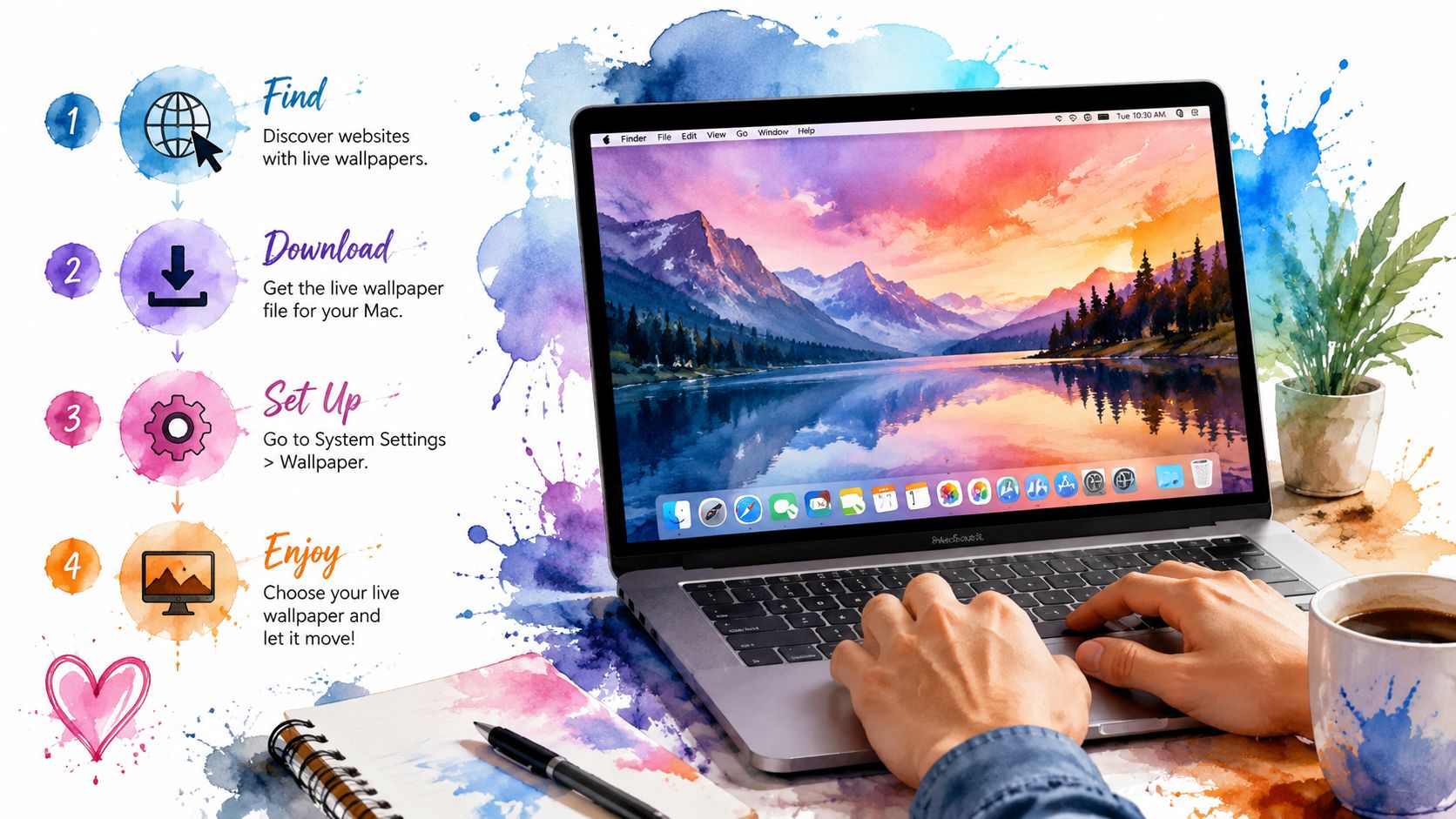
How to Get Moving Wallpapers on Your Mac
macOS doesn't really hand you a big friendly button labeled "set this gorgeous looping video as both desktop and lock screen." Apple likes polish, but it also likes rules. Third-party apps run into sandboxing limits, which is why so many wallpaper tools can do something adjacent to a complete experience but not the whole job.
The native route matters
Implementation makes all the difference. The gifPaper app requires macOS 26 (Tahoe) or later to use Apple's native Aerial wallpaper format, enabling it to set a living wallpaper on both the lock screen and desktop in a single action, bypassing prior sandboxing limitations, as described in this walkthrough of animated desktop background support. That requirement is restrictive, yes. It's also the reason the result behaves like a system feature instead of a wallpaper taped awkwardly to the outside of the operating system.
If you want the broader setup context first, this guide on how to get live wallpapers on Mac covers the mechanics cleanly.
What a practical setup looks like
gifPaper has two useful sides. The site is a curated gallery with 150+ continuously looping 4K live wallpapers with ambient music, free to browse. Categories like lofi wallpapers and winter wallpapers make it easy to find a mood without doom-scrolling through random low-quality clips.
The app is the part that applies them on Mac. Its core features are refreshingly specific:
-
Lock screen
Wake the Mac and the wallpaper slows as you log in, in the same style as Apple's own living wallpapers. -
Desktop
A still frame by default, with a toggle for full video animation. Sensible. Civilized. Helpful if you want beauty without motion all day. -
Screen saver
Screen savers returned from the dead and, against all odds, became cool again.
The offer without trumpet fanfare
The pricing is plain. $4.99 one-time purchase at launch, 7-day free trial with no credit card required, and a 30-day money-back guarantee. It's a direct download, not on the Mac App Store, because App Store sandboxing blocks live lock screen wallpapers. The app is notarized by Apple.
If you like making your own visuals, tools that generate video from images free can be handy for turning source art into motion clips before bringing them into a wallpaper workflow. That's useful if your tastes run very specific, which they probably do, because you're reading an article about moving wallpapers on purpose.
Your Burning Questions Answered
Can I use my own videos
Yes, but quality is the whole game. A curated library saves you from bad loops, weird compression, and scenes that looked better in your head than on a desktop for eight straight hours.
Why isn't this on the Mac App Store
Because Apple's sandboxing rules prevent the lock screen behavior that makes this feel native. Direct download is the practical route here. In this case, "not in the App Store" is less sketchy secret tunnel and more "the platform rules are oddly specific."
Do moving wallpapers work for actual work setups
Yes, if the motion is calm and the implementation is sensible. Busy visuals get distracting. Slow scenes, still-frame desktop modes, and optional audio tend to age much better.
What about multi-monitor setups
That depends on the app and the wallpaper handling model. If you use multiple displays, check support before installing. This is one of those details that separates "nice idea" from "annoying Tuesday."
If your screen has become visual oatmeal, gifPaper is a tidy fix. Browse the wallpaper gallery for free, pick something with an actual point of view, and if you want it on your Mac's lock screen, desktop, and screen saver, the Mac app has a 7-day free trial. It's an indie tool, it costs less than a fancy coffee, and it exists for the very normal reason that staring at a computer all day is easier when the computer looks good.