7 Best Sources for One Piece Wallpaper for PC in 2026
Set Sail for a Better Desktop
Finding a decent One Piece wallpaper for your PC shouldn't be harder than finding the Laugh Tale, but here we are. Most of the internet is a graveyard of pixelated JPEGs, phone crops pretending to be desktop art, and fan uploads that look like they lost a fistfight with compression. Your desktop deserves better than that.
If you're hunting for One Piece wallpaper for PC, the good news is that there are real options. The bad news is that they're scattered across community hubs, quality-first wallpaper libraries, and a few live wallpaper tools that mostly treat Mac users like an afterthought. Very on-brand for desktop customization, a familiar pattern.
There are over 200 verified HD and 4K One Piece assets optimized for PC displays in the current wallpaper ecosystem, with dedicated repositories leaning hard into arc-specific material from Wano and Egghead, not just generic character collages (One Piece 4K wallpaper collections). So yes, the treasure exists. You just need a map.
And if the image you love is slightly rough around the edges, you can always find the best free AI upscaler. Useful tool. Slightly cursed name. Works.
1. Alpha Coders (Wallpaper Abyss)
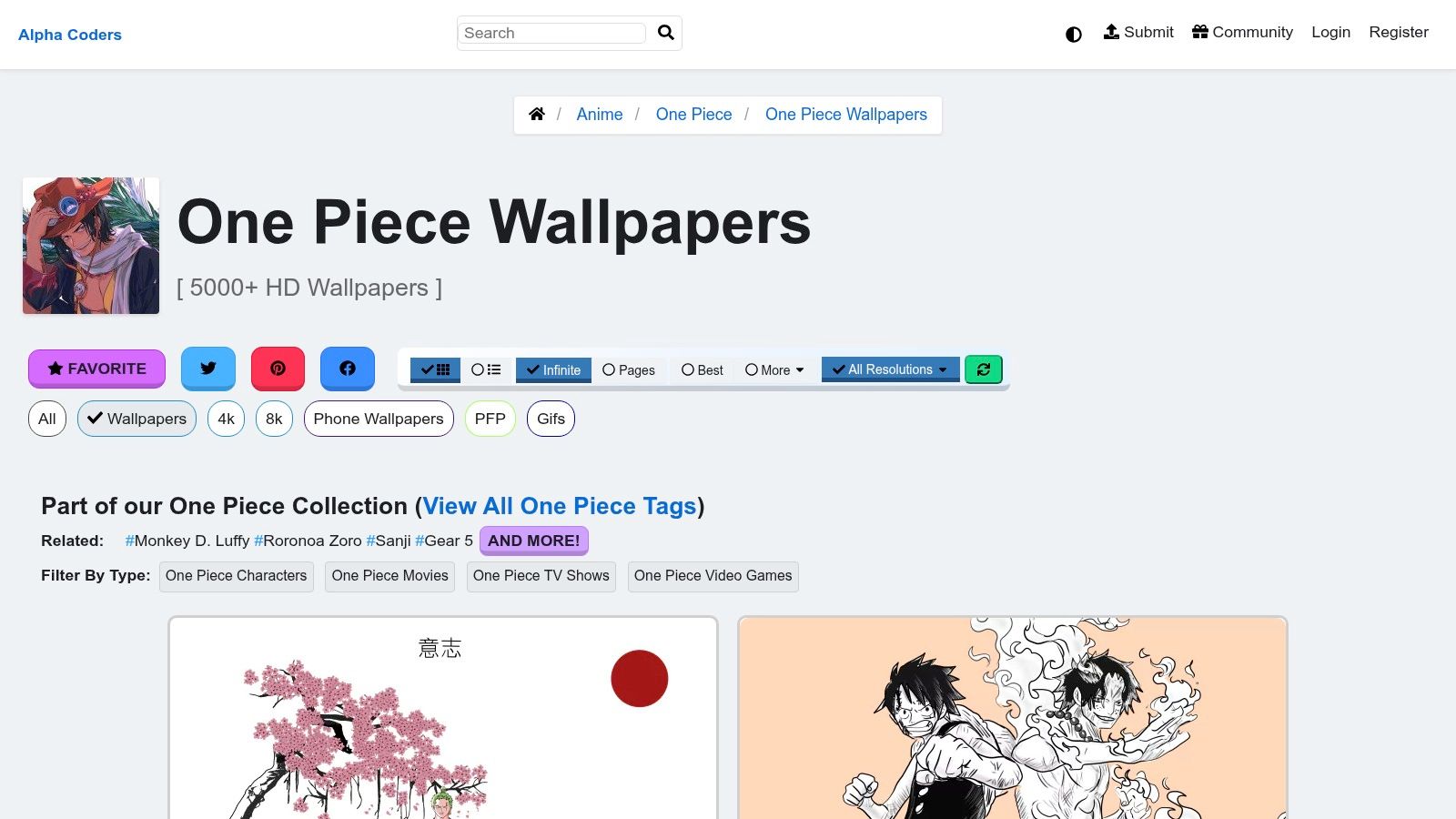
Alpha Coders is the big messy library that still somehow manages to be useful. That's a compliment. When you want volume without descending straight into internet landfill, this is one of the better places to start.
The main win is desktop-first browsing. You can sort through One Piece wallpapers by resolution, shape, and character instead of manually opening fifty tabs like a raccoon operating a laptop.
Why it works
Alpha Coders feels built for people who use monitors, not just phones. That matters. A lot of wallpaper sites still act surprised that desktop users don't want a vertically cropped Luffy forehead stretched across a widescreen panel.
A few things make it practical:
- Resolution filters: You can cut straight to desktop-friendly sizes instead of guessing.
- Character tags: Handy if you want Zoro, Law, Nami, or just a clean Straw Hat crew shot.
- Direct downloads: Fewer weird hoops, fewer fake buttons, less nonsense.
Practical rule: Use Alpha Coders when you want breadth first, then narrow by resolution. It's faster than hunting manually across smaller sites.
The catch is simple. Licensing varies by image because the collection mixes official art and fan art. Also, large community libraries always collect a few duplicates like barnacles on a ship hull.
If you're the kind of person who likes browsing visual styles before committing, the gifPaper wallpaper categories are oddly useful for that too. Different vibe, different platform, same basic instinct. You know what you like when you see it.
2. Wallhaven
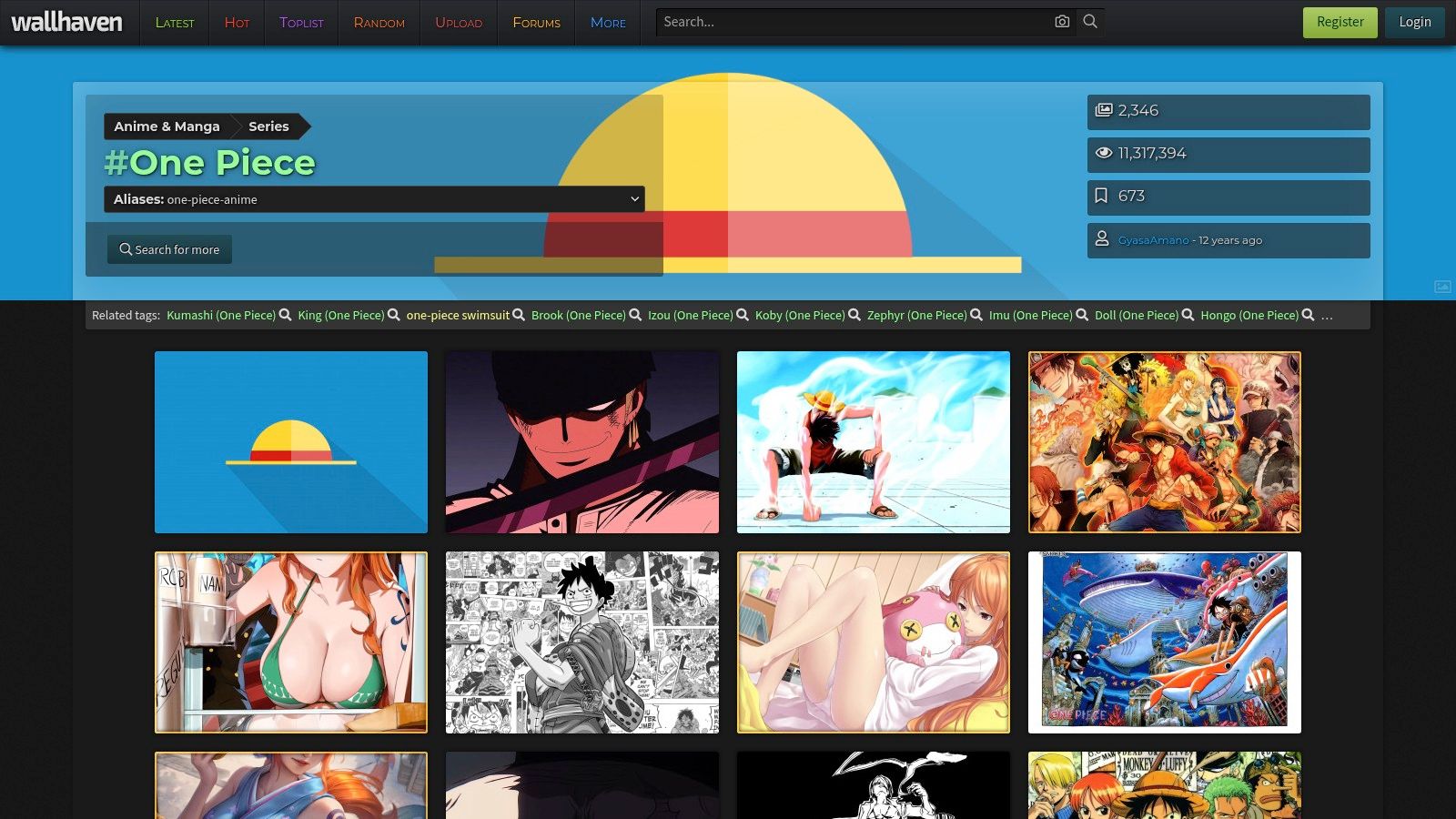
Wallhaven is where you go when you want less chaos and better search discipline. It has strong community curation, cleaner presentation, and filters that don't feel like they were designed by a committee of exhausted goblins.
For One Piece wallpaper for PC, that's a good thing. You can get specific fast.
Best for picky desktop nerds
Wallhaven's One Piece tag is useful because the platform lets you trim the search down by resolution, aspect ratio, and color. If you know you want a darker background for icons, or a wide composition that doesn't crush your taskbar into visual soup, this site helps.
That quality-first approach matches a broader trend in the niche. One Piece wallpapers have shifted from basic HD collages to more technically polished, arc-specific assets, with Wano and Egghead dominating the sharpest current desktop art available (best of One Piece wallpaper trends).
Clean filtering beats huge volume if you already know your taste.
Wallhaven isn't perfect. Community uploads still mean the occasional over-edited fan composite or image that looked better in the thumbnail than full screen. But compared with random wallpaper aggregators, the hit rate is better.
Use this one when you already have a rough idea of what you want. Moody Zoro. Gear 5 chaos. Crew lineup with actual negative space. Adult desktop decisions. Very dignified.
3. Wallpapers.com
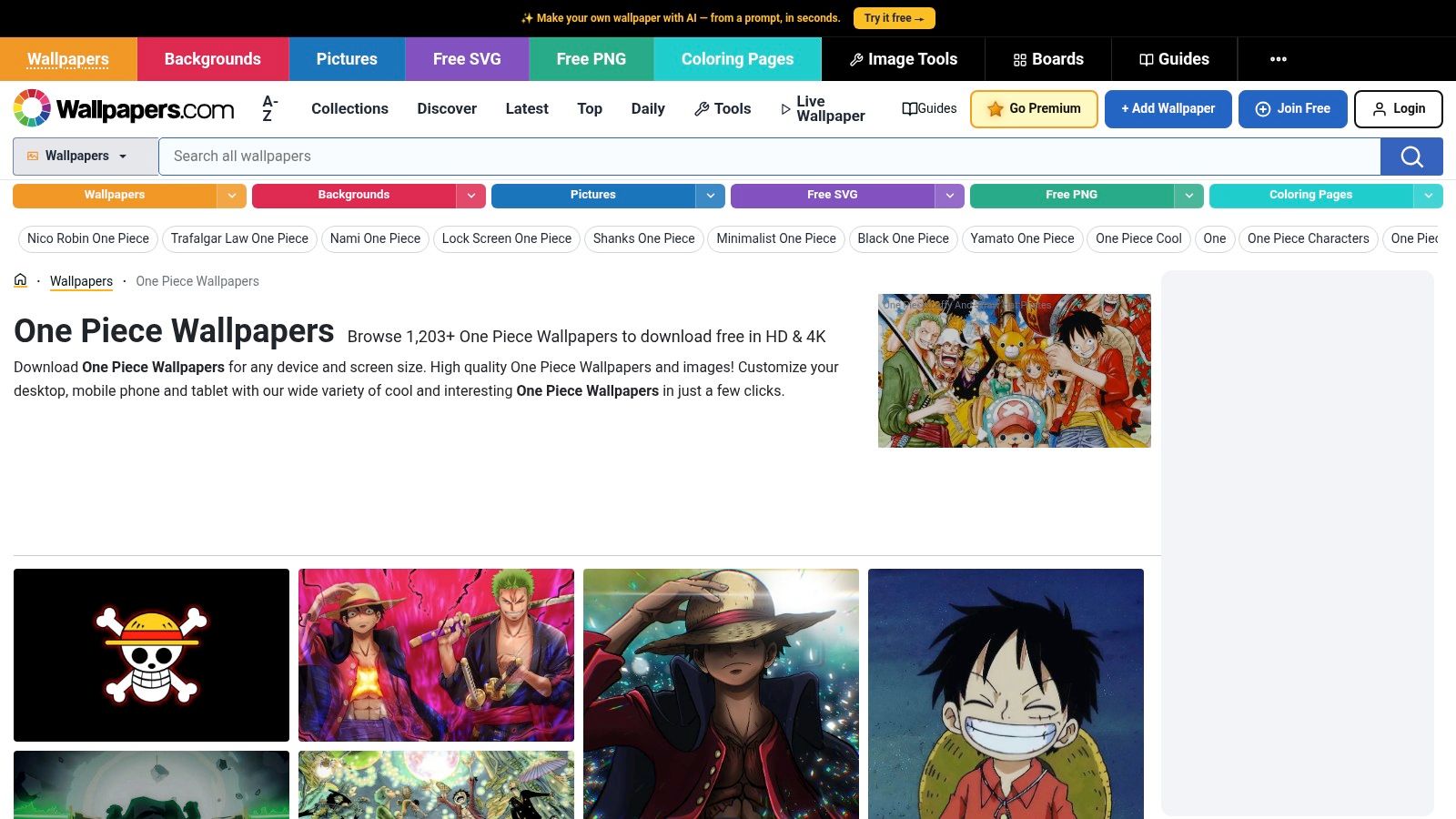
Wallpapers.com is the fast-food version of wallpaper hunting. I mean that affectionately. You walk in, get the thing, leave, and your desktop stops looking like a temporary folder.
It's simple, and sometimes simple is exactly right.
Good for quick downloads
The strength here is speed. You land on a One Piece collection, pick a wallpaper, choose a resolution, download it, done. No elaborate account dance. No dramatic side quest.
It's also part of a much larger static wallpaper universe. General device collections include more than 900 One Piece wallpapers, which is great if you want lots of options, but also a reminder that quantity and desktop quality aren't the same thing (One Piece collections on Wallpapers.com).
That sums up the site pretty well. Big catalog. Easy flow. Mixed curation.
When to use it
Pick Wallpapers.com if these sound like you:
- You want something now: No mood board, no research spiral, just a wallpaper.
- You don't need obsessive filtering: You're happy to browse a broad collection.
- You can self-edit: You'll spot weak crops or soft images quickly and move on.
The downside is looser quality control than the more enthusiast-heavy sites. Some images are excellent. Some are merely present. That's the technical term.
Still, for a fast One Piece wallpaper for PC search, this is one of the easiest sources to recommend.
4. WallpaperCave
WallpaperCave is older internet energy in wallpaper form. Lots of community uploads, thematic albums, and enough back-catalog material to uncover art styles from very different eras of the series.
That's the appeal. It's less polished, more rummage-friendly.
Best for older vibes and arc hunting
If you want a Film Red image, a Wano-themed set, or a classic Straw Hat portrait collection, WallpaperCave often surfaces those album-style clusters better than cleaner-looking competitors. It works well when you don't want one single hero image yet. You want to browse a mood.
That historical spread matters because One Piece desktop art has changed a lot. Older crew collages used to dominate, while newer collections lean toward single-character, high-contrast portraits suited for modern displays and OLED-friendly looks. Users chasing Gear 5 and Yamato visuals especially tend to prefer that cleaner style now, rather than a dozen faces fighting for space on the desktop.
Older galleries are useful when you want nostalgia. Newer galleries are better when you want your monitor to stop screaming.
The weak point is consistency. Source attribution can be fuzzy, and upload quality varies more from album to album. You have to inspect before downloading, especially if you're using a high-density display where every flaw gets magnified like an interrogation lamp.
WallpaperCave is worth keeping in rotation. Just don't treat every upload like sacred treasure. Some of it is treasure. Some of it is driftwood.
5. HDQwalls
You open a wallpaper page, spot a killer One Piece image, download it, set it, and then your monitor exposes every crime. Blur. Compression mush. Edge halos. Suddenly Zoro looks like he lost a fight with JPEG artifacts.
HDQwalls is useful because it cuts down that nonsense. The catalog is smaller, but the site is built for people who care about clean, high-resolution files instead of scrolling through fifty near-duplicates and one cursed crop.
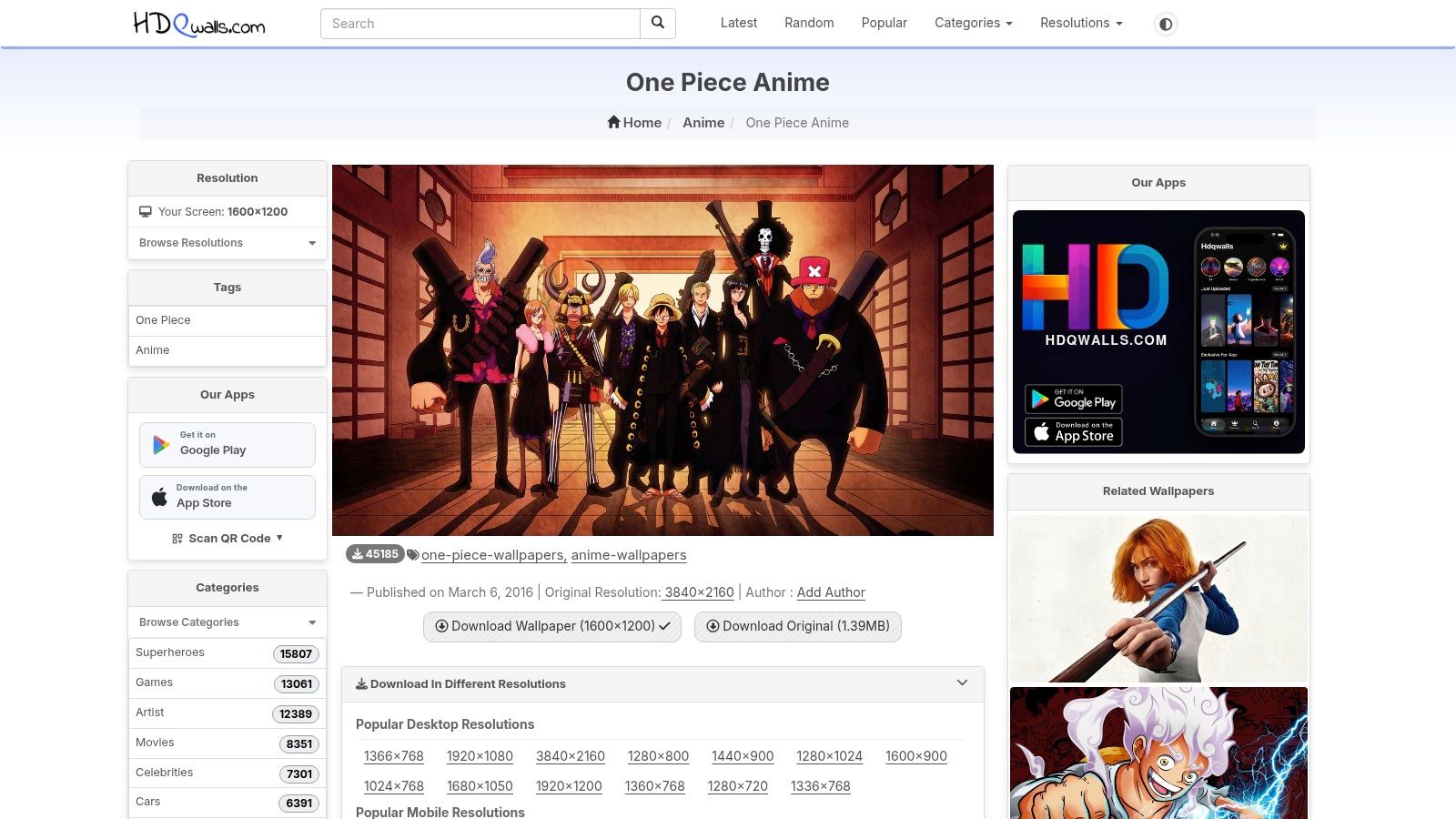
Best for quick, high-resolution picks
HDQwalls works best for a specific type of desktop user. You have a 1440p or 4K monitor, maybe an ultrawide, and you want one image that looks sharp immediately. No archaeology. No guessing whether the preview is lying to you. Just a solid file that does not collapse under desktop scrutiny.
That makes it a strong source in this list, especially if you value curation over volume. Community hubs are better for endless browsing. HDQwalls is better when you already know your standards and your patience has left the building.
Who should use HDQwalls
Use HDQwalls if your screen exposes flaws fast.
- Best fit: 1440p, 4K, Retina-class, and ultrawide displays
- Big advantage: Cleaner browsing and more consistent image quality
- Main drawback: Fewer One Piece options than giant wallpaper communities
If you want motion instead of static art, read this guide to live wallpaper for desktop PC. Static images still win for simplicity, but animated backgrounds are hard to quit once your desktop starts showing off.
For pure source quality, HDQwalls deserves a spot in the rotation. It is not the biggest library. It is one of the least annoying. That counts for a lot.
6. Wallpaper Engine
If you're on Windows and you want live wallpaper, stop pretending static images are enough. Wallpaper Engine is the obvious answer. It has the workshop ecosystem, the controls, and the sheer volume of animated desktop nonsense people secretly love.
And yes, that includes One Piece.
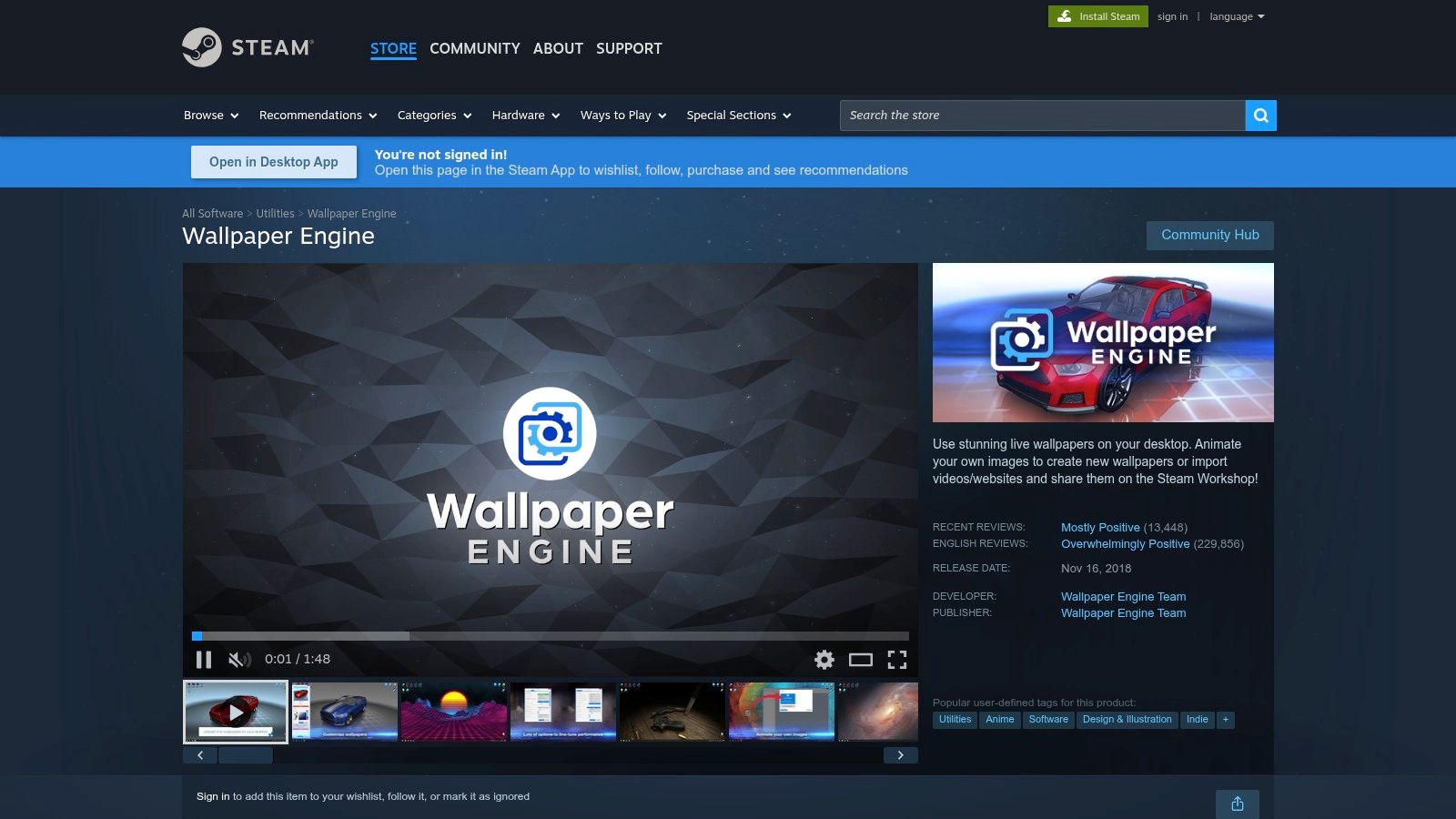
The Windows king
Wallpaper Engine has become the dominant live wallpaper choice on PC, with an estimated 95% adoption rate among PC live-wallpaper users, while Mac users are left poking around third-party workarounds and Terminal commands like cursed apprentices (Mac live wallpaper limitations discussed here).
That dominance matters because it creates the biggest practical library for One Piece animated scenes. If you want looping Gear 5 effects, ocean backdrops, subtle particles, audio-reactive edits, or full-blown workshop excess, this is the place.
Why people stick with it
Wallpaper Engine isn't just popular because it's popular. It solves real desktop annoyances.
- Performance controls: You can limit resource use so your wallpaper doesn't behave like a secret boss fight.
- Multiple wallpaper types: Video, web-based, and interactive backgrounds all work.
- Workshop depth: This is the easiest way to find animated anime desktops in one place.
If you want a broader walkthrough on animated desktop setups, the live wallpaper for desktop PC guide is a useful companion.
The downside is obvious. It's Windows-only. If you're on Mac, this section is basically you staring through a bakery window in the rain.
7. Lively Wallpaper
Lively Wallpaper is the free DIY answer for Windows users who want motion without paying for a workshop ecosystem. It takes videos, web pages, and other visual sources and turns them into wallpapers. Very handy. Slightly chaotic. A bit like Franky building furniture with power tools and no indoor voice.
If you don't mind doing some setup, Lively is excellent.
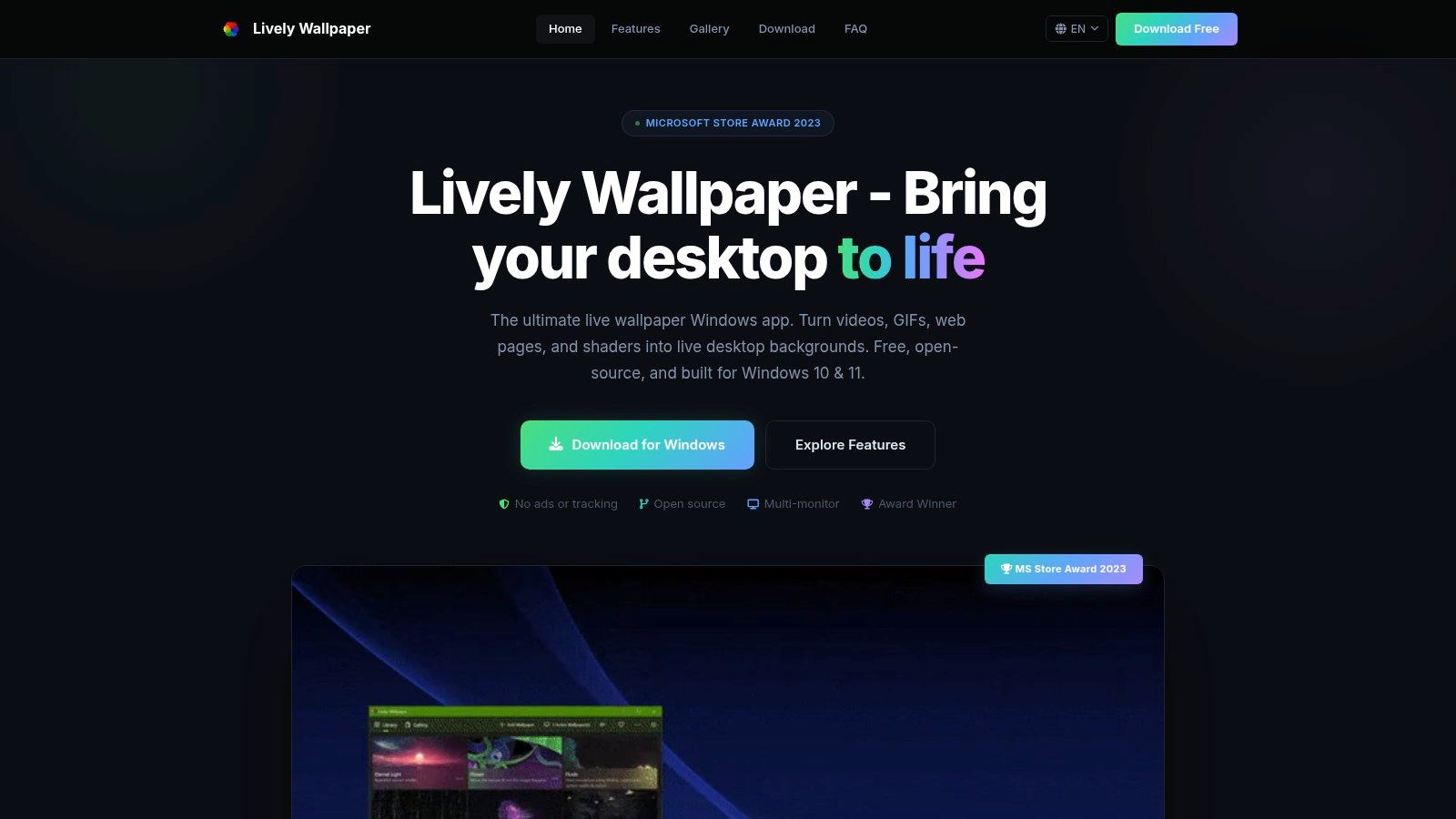
Best free option for live anime desktops
Lively doesn't hand you a giant built-in One Piece library the way Wallpaper Engine does. What it gives you is flexibility. You can turn a short clip, looping video, or browser-based visual into a moving desktop background.
That's useful because there are dedicated live wallpaper categories around One Piece on Windows-focused sites, including titles like Red-Haired Legend Shanks 4K and Luffy's Mighty Gear 5 4K. The franchise has clearly spilled well beyond static images into live wallpaper territory for Mac and Windows users, even if the tooling is much smoother on Windows.
Free is great. Free plus flexible is better. Free plus flexible plus a little patience is Lively.
The catch
The catch is curation. You have to build more of the experience yourself. That means sourcing the visual, testing the loop, and making sure it doesn't look terrible on your display.
If you're new to this stuff, the how to install live wallpaper guide makes the process less annoying.
And if you're on Mac, Lively doesn't rescue you either. The available Mac-focused live wallpaper app results in this space don't mention One Piece content, and the broader ecosystem still leans heavily toward Windows-first tools. That's the part where the music gets dramatic and a seagull steals your lunch.
One Piece PC Wallpapers: Top 7 Source Comparison
| Source | Implementation complexity | Resource requirements | Expected outcomes | Ideal use cases | Key advantages |
|---|---|---|---|---|---|
| Alpha Coders (Wallpaper Abyss) | Low, browse and download | Web browser, storage for downloads | Large curated static wallpapers sized for desktops | Finding many character- or resolution-specific One Piece wallpapers quickly | Huge selection with resolution/aspect filters and desktop-first sizing |
| Wallhaven | Low–Medium, advanced filtering available | Web browser, time to refine searches | Consistently sharp, very large images (4K+) | Designers/gamers needing precise resolution, color or purity control | Excellent filters and generally higher image quality |
| Wallpapers.com | Low, one-click download flow | Web browser, minimal setup | Fast HD/4K static downloads with mixed quality | Quick, no-frills grabs of mainstream One Piece wallpapers | Simple download flow and straightforward resolution selection |
| WallpaperCave | Low, browse thematic albums | Web browser, casual browsing time | Thematic and era-specific collections with variable quality | Finding film-, arc-, or era-themed fan art and back-catalog images | Deep back-catalog and easy-to-browse sub-collections |
| HDQwalls | Low, focused browsing | Web browser, storage for large files | Crisp 4K/8K and ultrawide desktop-ready images | HiDPI or very large monitor users wanting sharp wallpapers | High pixel-density images and a cleaner, less cluttered interface |
| Wallpaper Engine (Steam) | Medium, install app and use Workshop | Windows PC, Steam, GPU/CPU resources for live wallpapers | Animated/interactive wallpapers with editor and perf controls | Users who want animated One Piece desktops and heavy customization | Largest animated selection via Workshop; editor and performance controls |
| Lively Wallpaper | Medium, install and set up custom content | Windows PC, local video/HTML resources or streams | Free live wallpapers from videos, HTML or streams (DIY) | Users who want zero-cost, flexible live wallpapers built from clips or web content | Open-source, free, flexible formats without paywall or ads |
How to Set Your New Wallpaper (and a Trick for Mac Users)
Found the one? Great. On Windows 10 and 11, just right-click the image file and choose Set as desktop background. No ritual circle, no hidden shrine, no need to consult the Five Elders.
For live wallpaper apps, follow the app's own setup steps. That's especially true if you're using Wallpaper Engine or Lively and want performance settings, audio behavior, or multiple monitor support dialed in properly.
Now for the Mac users in the room. You've probably noticed the pattern already. Most good animated wallpaper options orbit Windows. That's not your imagination. It's the platform split. Even search results around this topic are weirdly lopsided. There are Windows-centric live wallpaper listings, but the Mac-side tools discussed in this niche are mostly about workaround-heavy setups, and one animated wallpaper guide explicitly doesn't support PC or Windows at all because it's built for Mac only (animated wallpaper guide on gifPaper).
Apple's sandboxing is the main villain here. One app in this space is distributed by direct download rather than the Mac App Store specifically because Apple's restrictions prevent live lock screen wallpapers through the store model, a limitation that doesn't apply the same way on Windows (why direct download is required).
So I made the thing I wanted to exist. gifPaper for Mac sets live wallpapers on your Mac lock screen, desktop, and screen saver using Apple's native Aerial wallpaper format. Not a fake overlay. Not a janky hack sitting on top of your desktop like a haunted aquarium. The lock screen and desktop are the same wallpaper, set in one action.
It doesn't include One Piece scenes because licensing that would be a legal bonfire, and I enjoy sleeping at night. What it does have is a curated collection of 150+ hand-crafted 4K live wallpapers on the website, with themes like cozy fireplaces, neon cityscapes, lofi vibes, and cosmic scenes, and the Mac app gives you the full live experience. About 150 wallpapers right now. More coming.
It's a one-time purchase for $4.99, not a subscription. There's a 7-day free trial with no credit card, a 30-day money-back guarantee, and it requires macOS 26 (Tahoe) or later. Direct download, notarized by Apple, because that's the only sane route if you want real live lock screen support.
If you came here looking for One Piece wallpaper for PC, you now have the map. If you also use a Mac and want animated wallpaper that doesn't feel like a science fair project held together with tape and Terminal commands, gifPaper is the fix. Browse the live wallpapers on the site, steal a little aesthetic joy for your day, then try the Mac app if your screen deserves better than a static JPEG and quiet disappointment.